
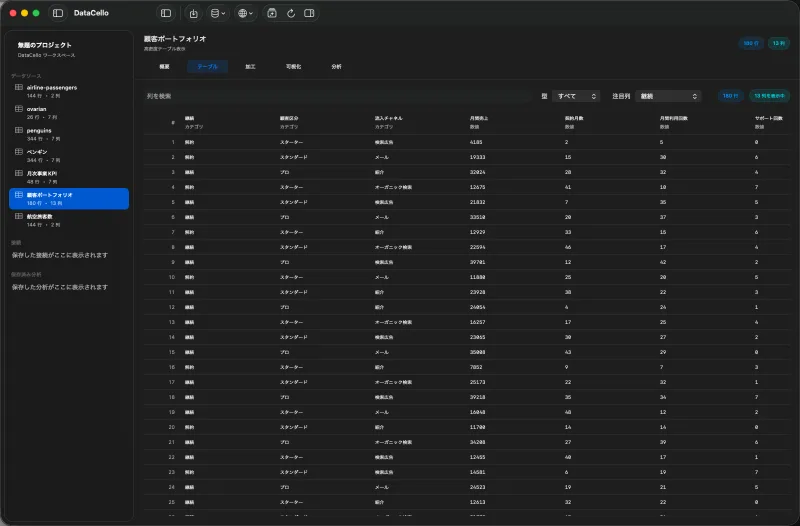
What this guide fixes
Unreadable symbols or broken characters usually mean the file encoding and import setting do not match. DataCello lets you check UTF-8, Shift JIS, UTF-16, and ISO Latin 1 in the import preview before loading the file.
You only need a CSV stored on your Mac. This workflow is available without Pro.
Check a different encoding
- Use
Import CSVin the DataCello toolbar, choose the CSV, and open the import preview. - In the right Inspector, open
Import Settingsand changeEncodingfrom the current setting. For a CSV exported by a Japanese business system, checkShift JISearly. - Inspect both the headers and several text values in the preview.
- If columns are still displaced, check
Delimiterin the same settings section. - Click
Apply and Refreshafter the preview is readable and aligned.
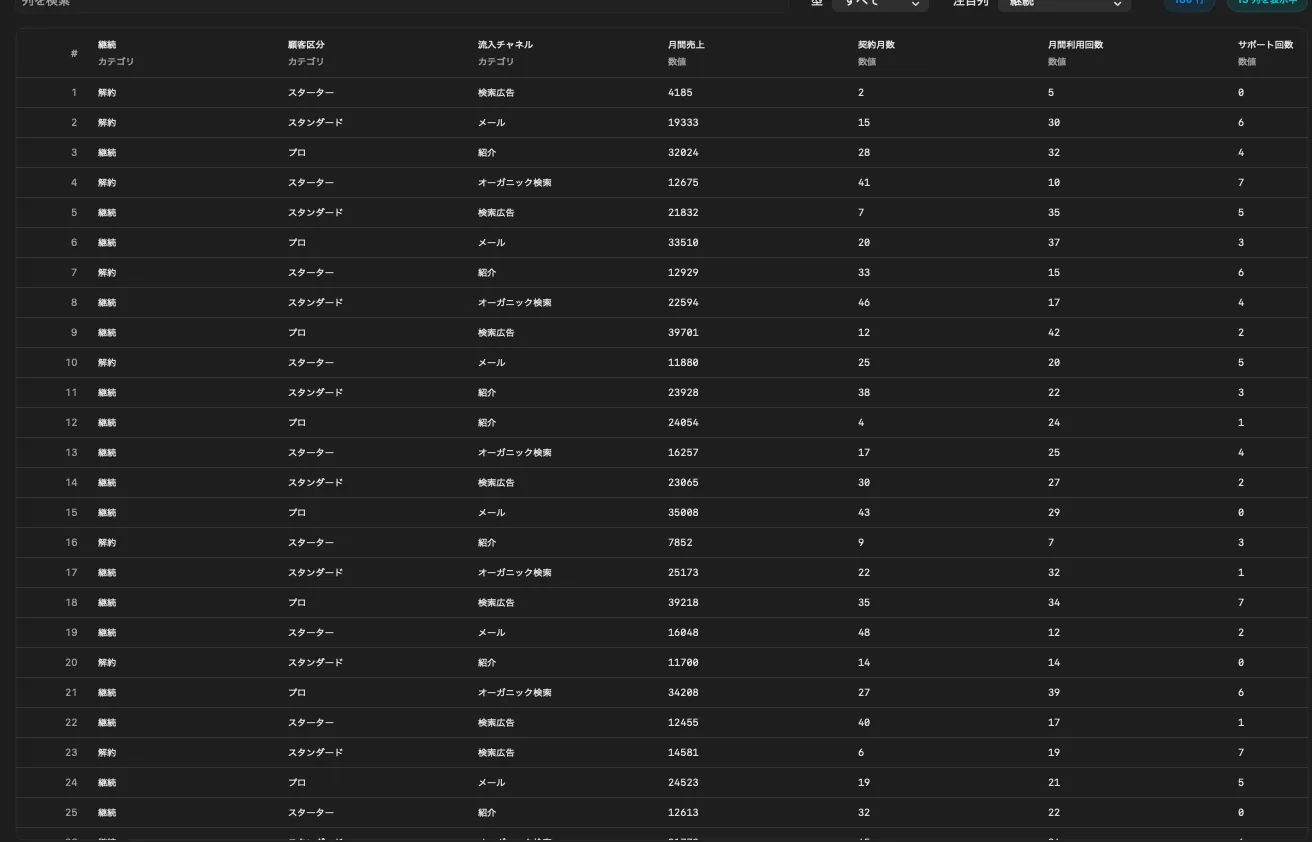
Verify the imported dataset
Check several rows in the table, then review row count, column count, and inferred types in the overview. A correct encoding does not fix a mismatched quote, escape, or delimiter setting.
If none of the supported encodings work, the source may be damaged or saved in an encoding DataCello does not support. Changing the import option does not repair the source file.
Current scope
- Supported choices are UTF-8, Shift JIS, UTF-16, and ISO Latin 1.
- Delimiter, quote, escape, and missing-value markers are separate options.
- Import options do not rewrite the original CSV.