
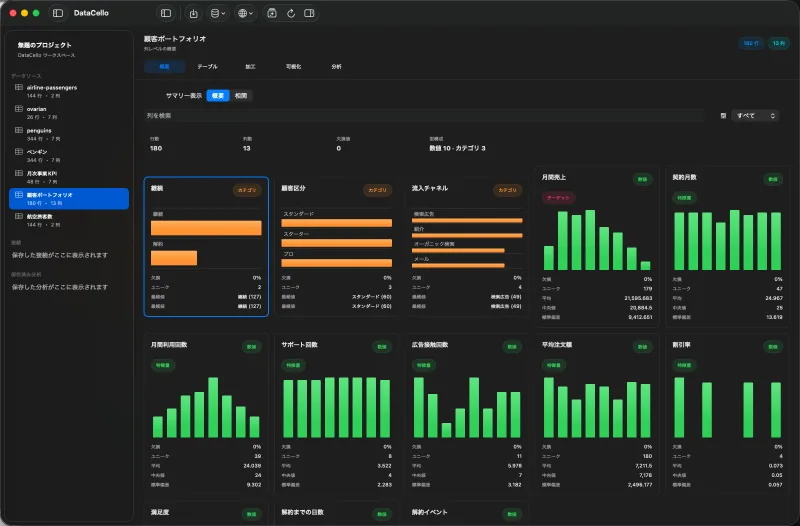
What the MCP server exposes
DataCello bundles an MCP stdio server with three tools: inspect_dataset, run_analysis, and show_analysis_result_in_app. This guide uses only inspect_dataset to return columns, inferred types, row count, and a small preview for a local CSV.
The current MCP server code does not include a DataCello Pro check, so this page is not labeled Pro. Any configuration or cost in the MCP client remains separate.
Prepare the connection
- Install DataCello and make its bundled analytics engine available.
- Add the DataCello MCP stdio command to the MCP client's configuration file.
- Find the absolute path of the CSV.
- List available tools and confirm
inspect_datasetappears.
Configuration syntax differs by client. This is a local stdio process, not a DataCello HTTP server.
Inspect the CSV
Pass a non-empty CSV path to inspect_dataset. Use the returned schema and preview to identify possible targets, numeric features, and date fields before selecting an analysis.
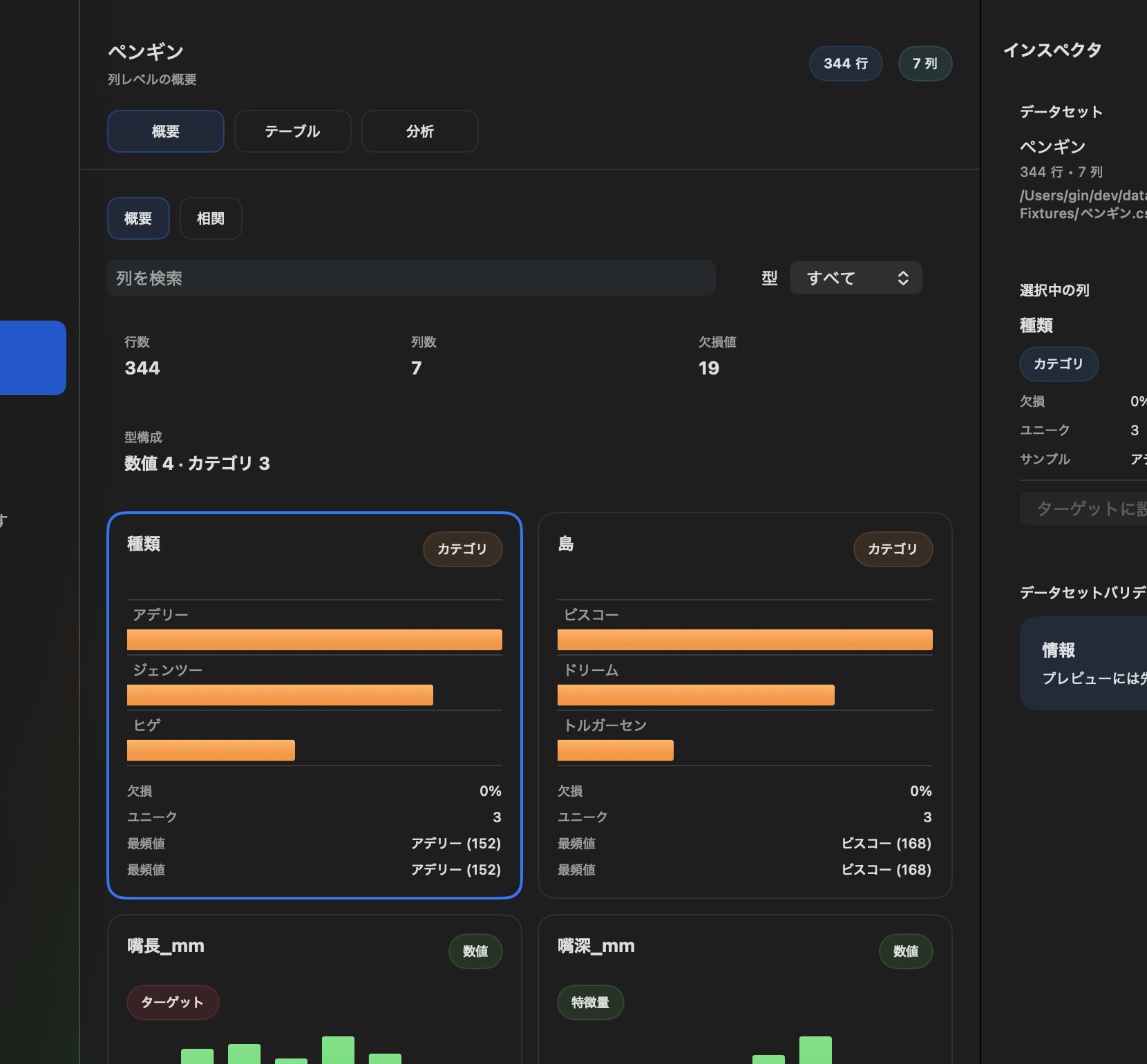
tool: inspect_dataset
path: /Users/you/Documents/orders.csv
Use it safely
- Review the MCP client's data-handling policy because it mediates access to the local file.
inspect_datasetreports structure; it does not repair the CSV.- Client setup and permission screens are not part of the DataCello interface.
- Opening a structured result in the app uses the separate
show_analysis_result_in_apptool.